We’ve been busy in April! This month, we’ve introduced custom placeholders, launched the Lokalise + Contentstack integration, and enabled the lexiQA Chrome extension. Plus, don’t forget to sign up for GrowthPulse, our digital event focused on all things growth, taking place on June 1, 2022.
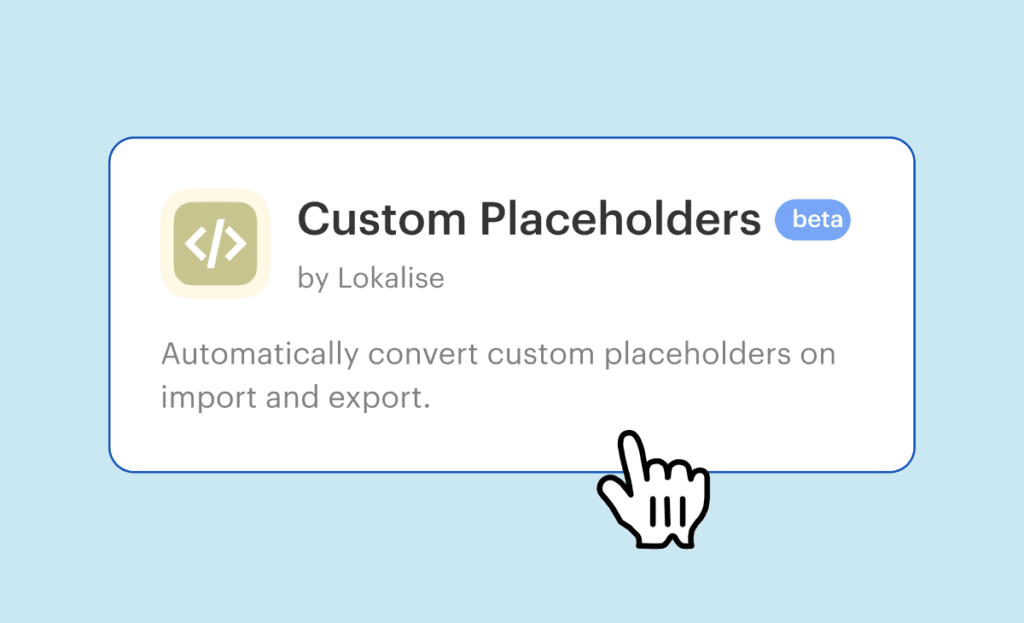
Create your customized placeholder format. Use the Lokalise custom placeholders app to ensure your placeholders are detected, blocked from translation, and correctly imported and exported.
Contentstack integration
Build and deliver localized digital experiences at scale, leveraging the Lokalise + Contentstack integration to translate websites, apps, and all your digital content.
InDesign (IDML) files are now supported
Translate your ebooks, brochures, flyers, and other print or digital publications. Use Lokalise to import, translate and export back to InDesign your .idml files and make your publications available in any language.
lexiQA Chrome extension
The lexiQA Chrome extension is now available! You’ll get spell checkers for 52 languages and checks for 60+ translation error types as you type, to accelerate your QA process. Log into Lokalise and go to Apps → Others → lexiQA to get started.
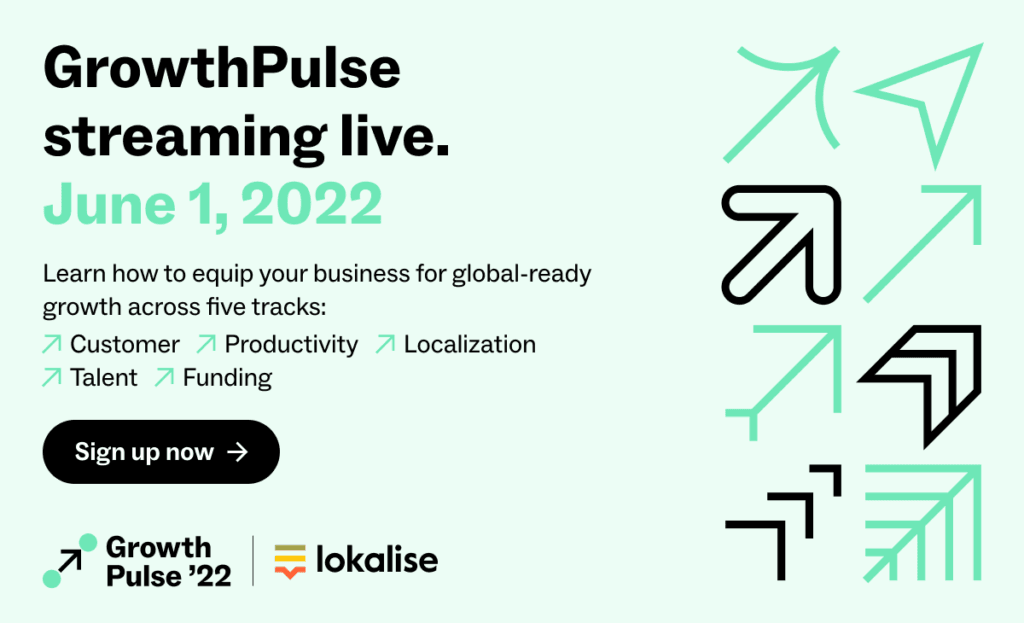
GrowthPulse 2022
GrowthPulse is taking place online on June 1, 2022, to bring together tech’s movers, shakers, and growth makers. Drawing from their own experiences at some of the world’s brightest companies, our guest speakers will show you how to make a mark on your industry across five topics: customer experience, productivity, localization, talent, and funding. Save your seat.
Other updates
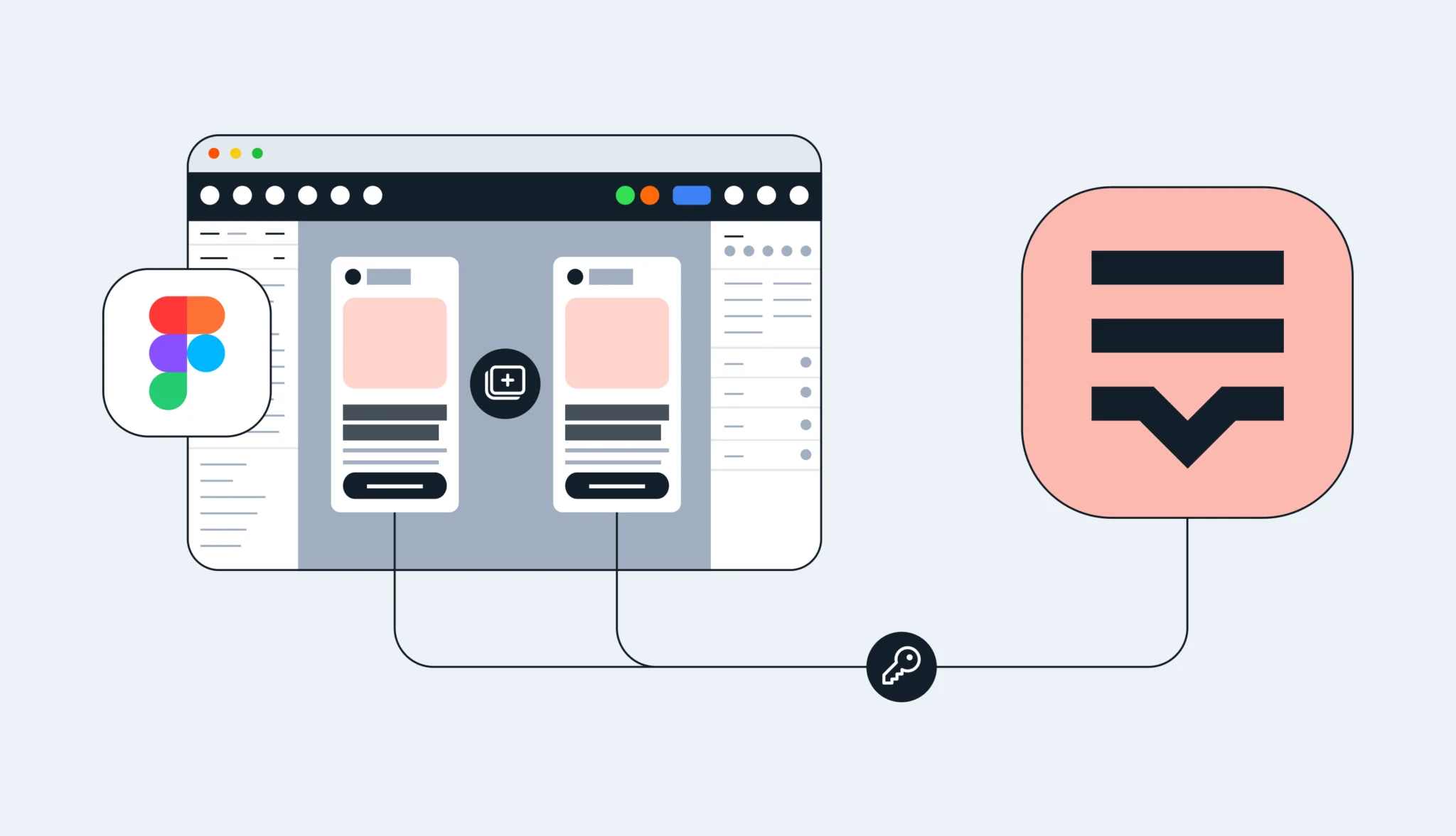
Define language file names directly in Figma without opening Lokalise to make your design-stage localization workflow even more efficient.
Easily track your task progress as you are translating in the editor, and know exactly how much you have left to translate. You’ll now also get a reminder to mark a language in a task as done when all the keys are translated.
Alex is Product lead at Lokalise, a tech enthusiast, and co-founder of an amateur football league. He has helped many customers to make improvements to their localization workflows and has become Lokalise’s product guru. In his free time, he enjoys travelling, playing football, and basketball.
Alex is Product lead at Lokalise, a tech enthusiast, and co-founder of an amateur football league. He has helped many customers to make improvements to their localization workflows and has become Lokalise’s product guru. In his free time, he enjoys travelling, playing football, and basketball.
What’s new in February: Make your Figma designers punch the air with happiness (and keep ALL keys linked), and make merging branches seamless for all project sizes
Great news for our Figma community! You can copy and paste Frames or Artboards without having to manually link keys. This means you can iterate quickly, ensure consistency, and save valuable time. What's changing with our Figma plugin? All translation keys will be linked when duplicating design elements. This means: When you copy and paste Frames or Artboards, all keys wil