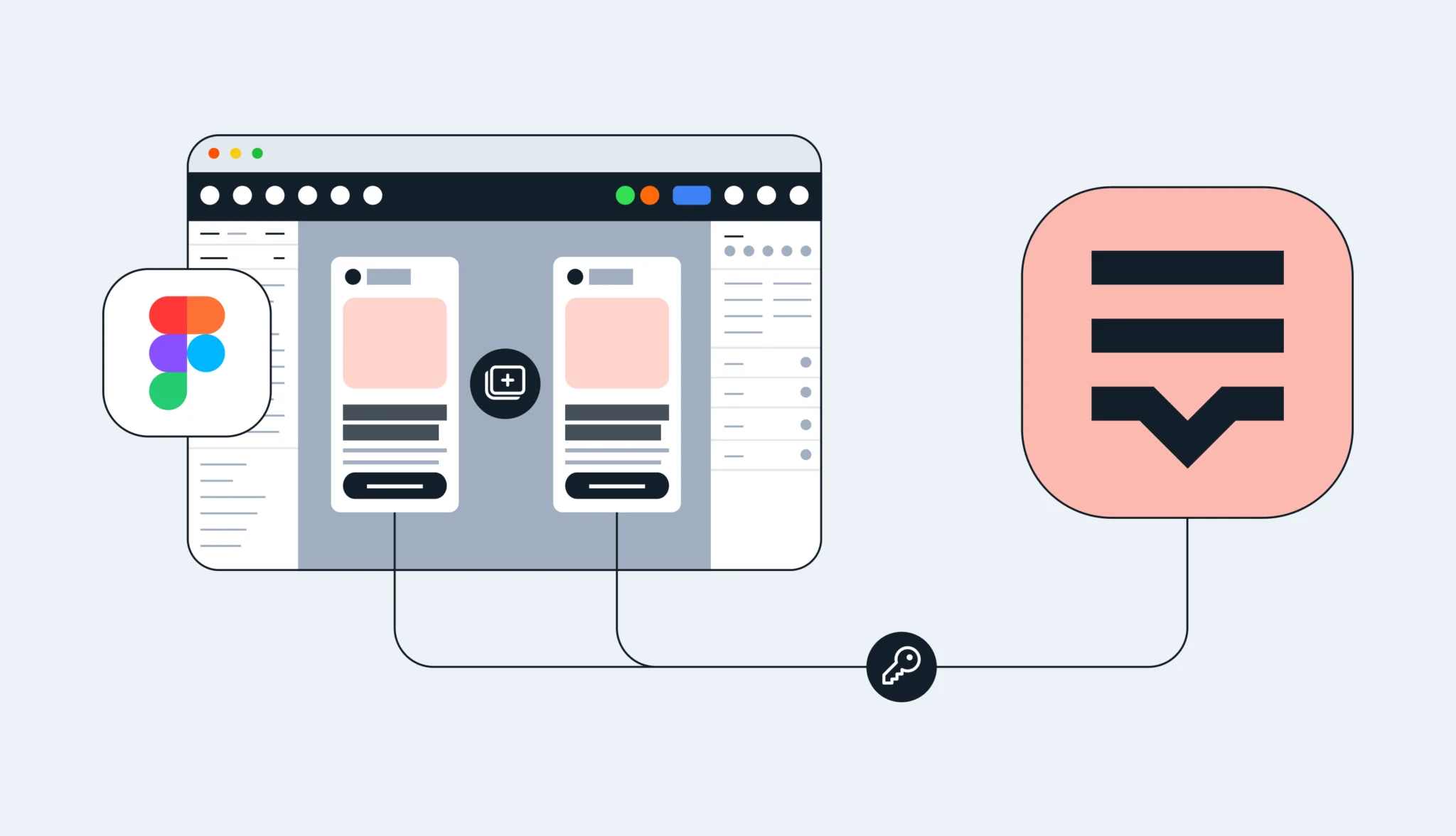
This month, we’ve made improvements to glossary navigation, and introduced WordPress Advanced Custom Fields. Plus, we’ve upgraded our OTA services to benefit iOS and Android app users.
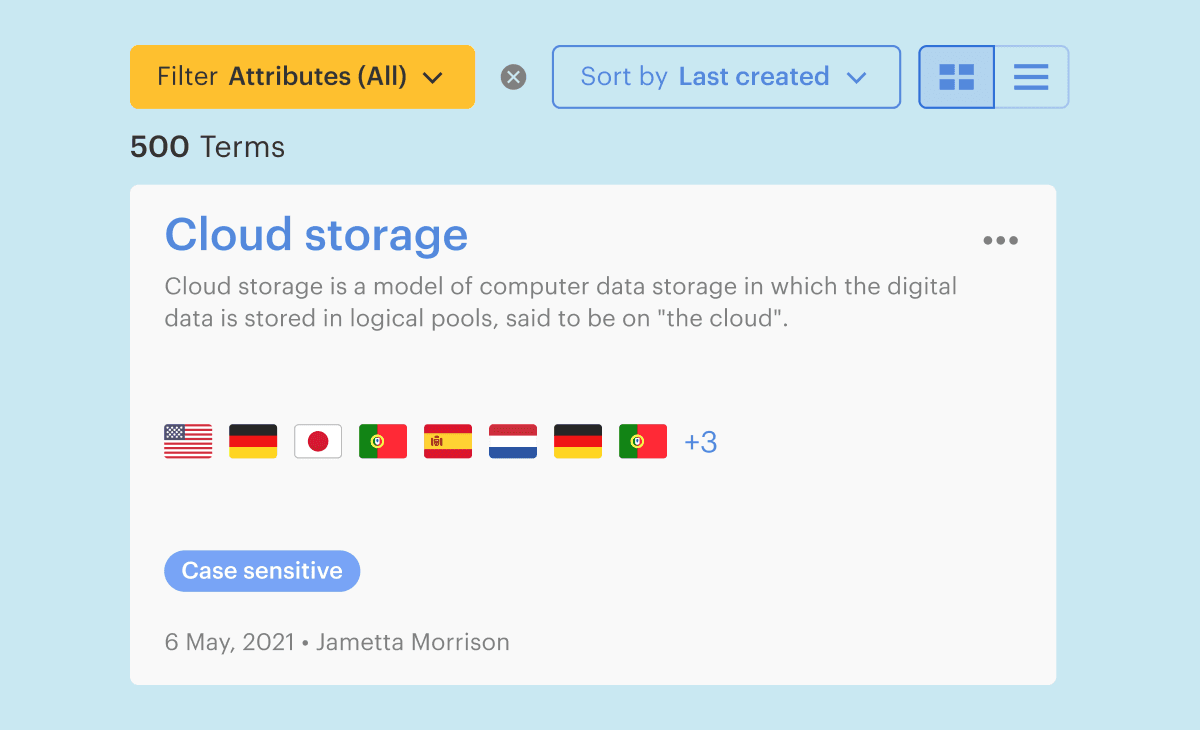
You can now filter and sort glossary terms, and also perform case sensitive searches. This makes finding the terms you are looking for in the glossary faster.
WordPress supports Advanced Custom Fields (ACF)
If you are using Advanced Custom Fields in WordPress, you can now easily import and translate your content in Lokalise.
OTA translation delivery just got faster
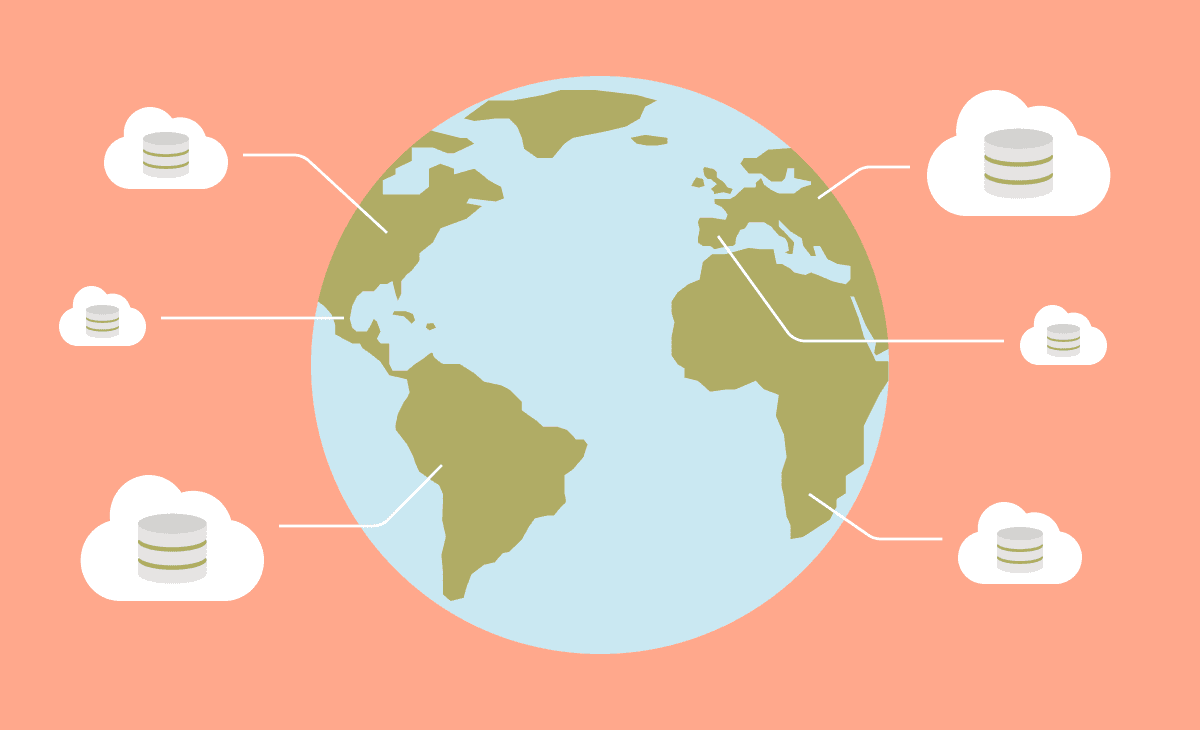
Our OTA services have been upgraded to use a global CDN for high-speed delivery of translation bundles to iOS and Android app users worldwide.
New Lokalise apps in January
ContentQuo
Built by ContentQuo. Continuously sync projects and exchange translations between ContentQuo and Lokalise to automate your quality management process.
Pimcore
Built by Pravin Chaudhary Connect your Pimcore account with Lokalise to quickly import, export, and translate data objects and documents.
Discord
Built by Daan Vansteenhuyse Make sure the whole team is on the same page by triggering automatic notifications in Discord channels every time a change happens in Lokalise.
That’s it for January, see you next month!
If you’ve missed any of the new stuff we’ve been releasing each month, you can catch up on the latest releases here.
Alex is Product lead at Lokalise, a tech enthusiast, and co-founder of an amateur football league. He has helped many customers to make improvements to their localization workflows and has become Lokalise’s product guru. In his free time, he enjoys travelling, playing football, and basketball.
Alex is Product lead at Lokalise, a tech enthusiast, and co-founder of an amateur football league. He has helped many customers to make improvements to their localization workflows and has become Lokalise’s product guru. In his free time, he enjoys travelling, playing football, and basketball.
What’s new in February: Make your Figma designers punch the air with happiness (and keep ALL keys linked), and make merging branches seamless for all project sizes
Great news for our Figma community! You can copy and paste Frames or Artboards without having to manually link keys. This means you can iterate quickly, ensure consistency, and save valuable time. What's changing with our Figma plugin? All translation keys will be linked when duplicating design elements. This means: When you copy and paste Frames or Artboards, all keys wil